Agentic AI Authoring
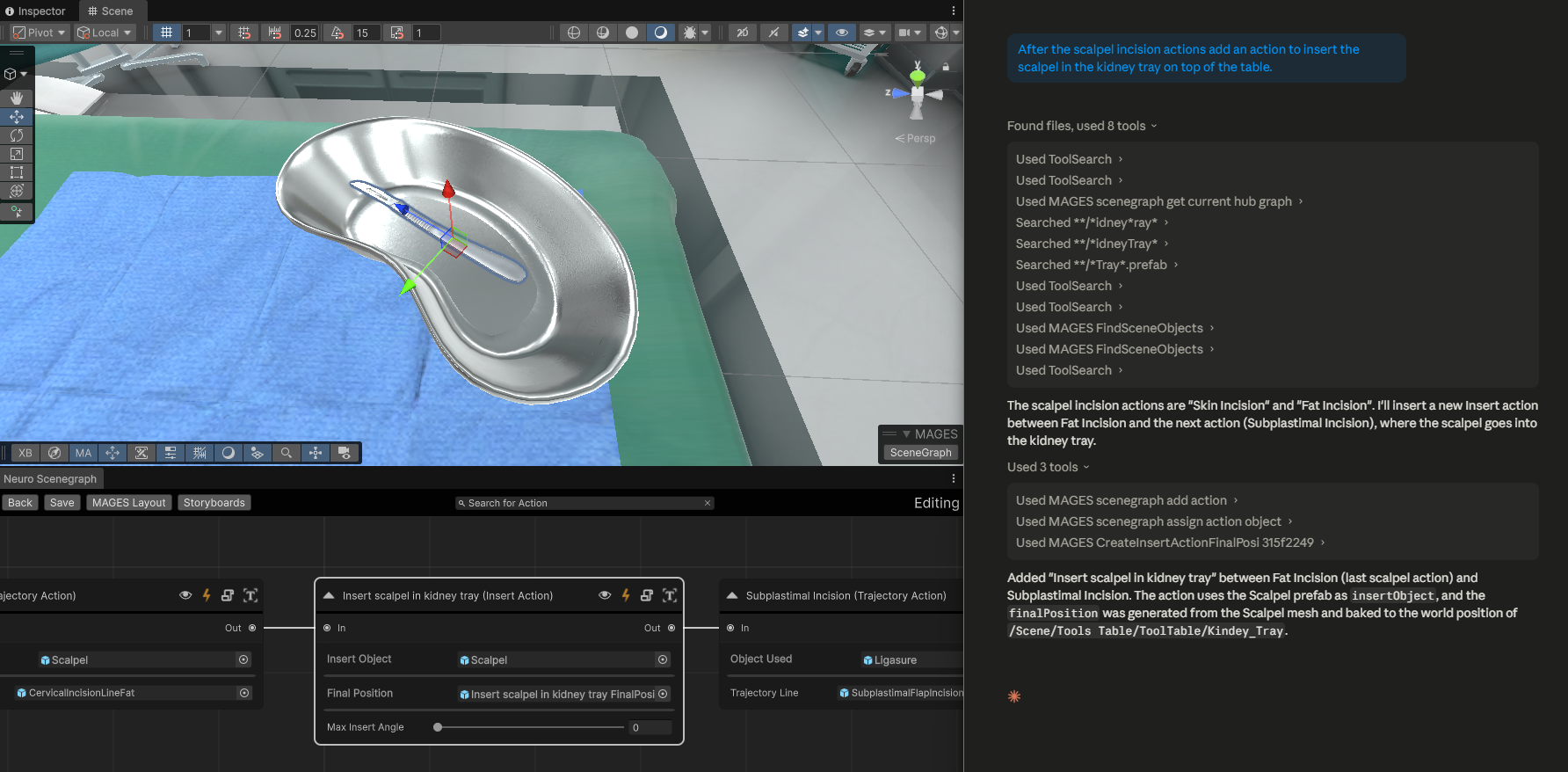
Agentic AI is the authoring layer that lets an LLM-powered agent author simulation content directly inside Creator. Instead of clicking through every node by hand, you ask your agent to do the work, and a curated set of Creator tools lets it act on the project safely.
Agentic AI is a Creator-side feature delivered through two surfaces working together:
The Creator exposes a set of authoring tools to any AI agent connected over the Model Context Protocol. These tools create SceneGraph actions, generate action-object prefabs, populate question nodes, query the loaded scene, and author analytics errors.
The AI agent (Claude Code, Codex, Copilot Chat, etc.) is what you interact with. It reads the user’s intent in chat and calls Creator’s tools to apply changes — you stay in the loop and approve actions as they happen.
This section covers Agentic AI in three parts:
How to setup Setup and connect your AI agent.
Detailed Overview of the tools available to the agent, grouped by what they do, and the patterns that govern how the agent uses them.
Tutorials & Examples of common authoring tasks so you can see how the tools combine in practice.