JARIA
Supported Tasks
The JARIA module in Creator supports the following tasks:
Questions regarding Creator documentation
General code generation
How to Use
Important
You need to be signed in to Creator to use JARIA.
Navigate to
MAGES > Creator Panel.

Navigate to
JARIA.
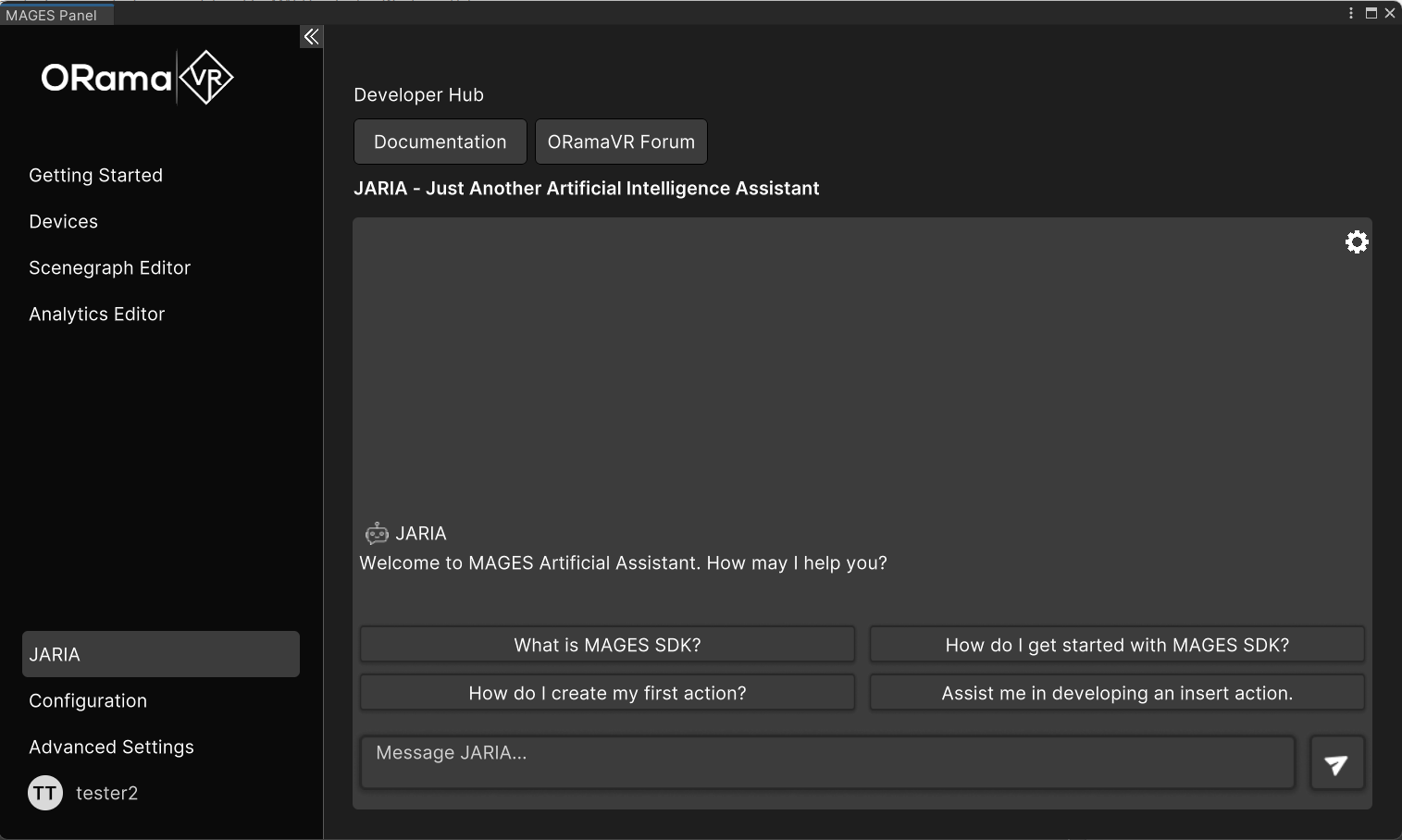
Click the Gear Icon that’s located on the top right of the tab.
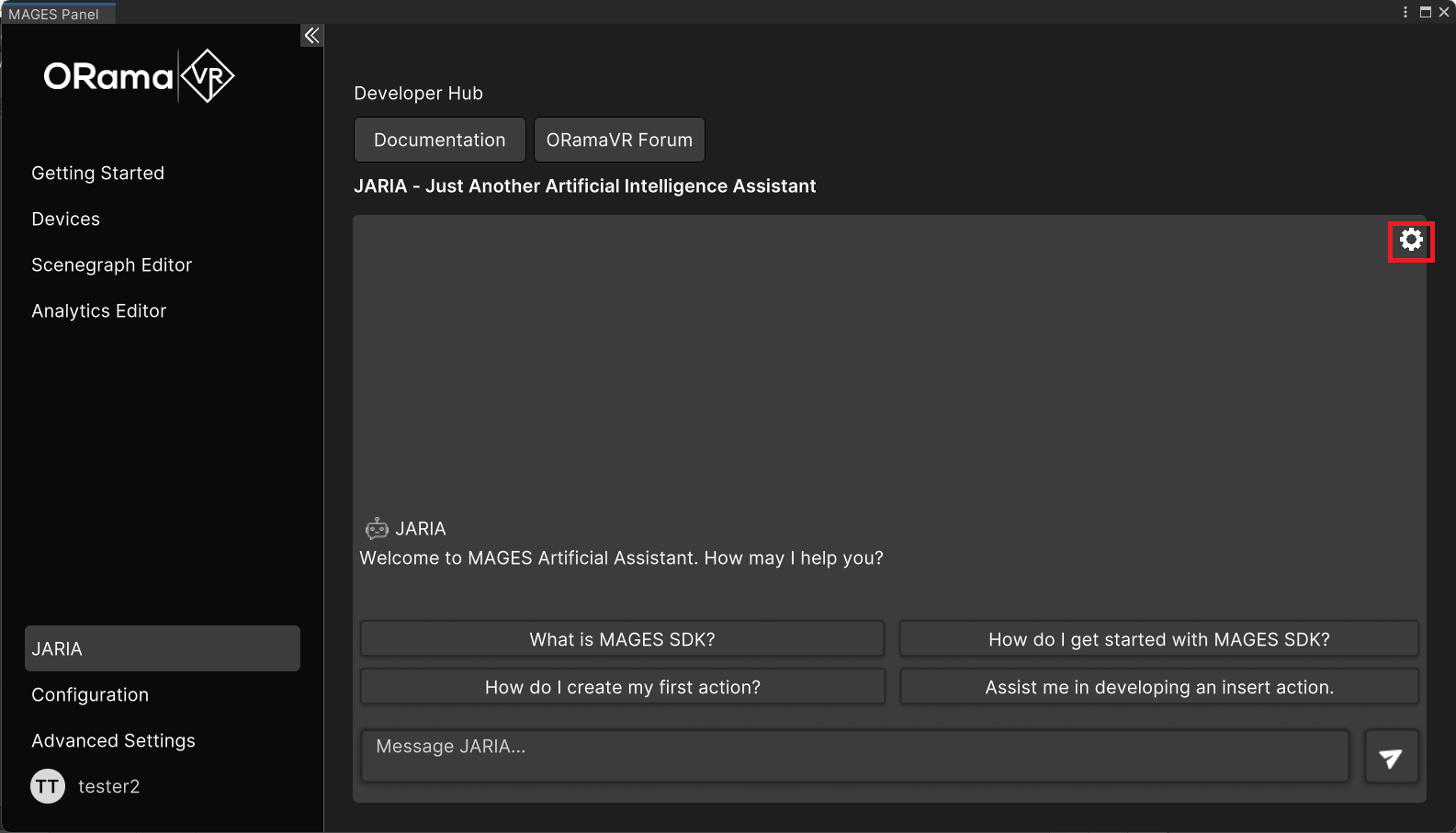
There, place your OpenAI API key in order to be able to send requests.
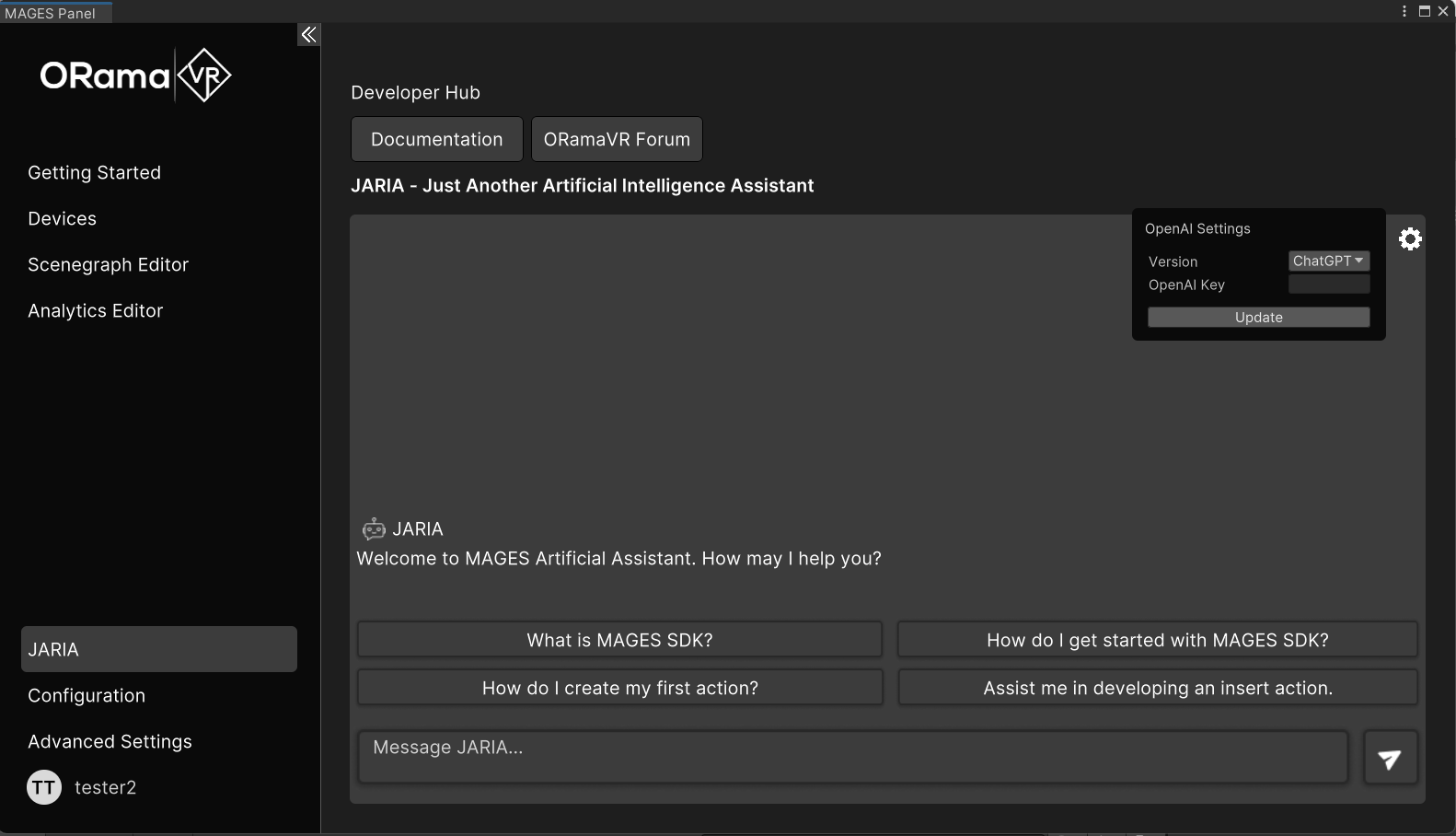
After that you are ready to start typing your requests for each task.
Note
if the key is empty then ours will be used but you will only have access to ChatGPT, if you have access to GPT-4 and want to use it you can add your own key.
Examples of Requests
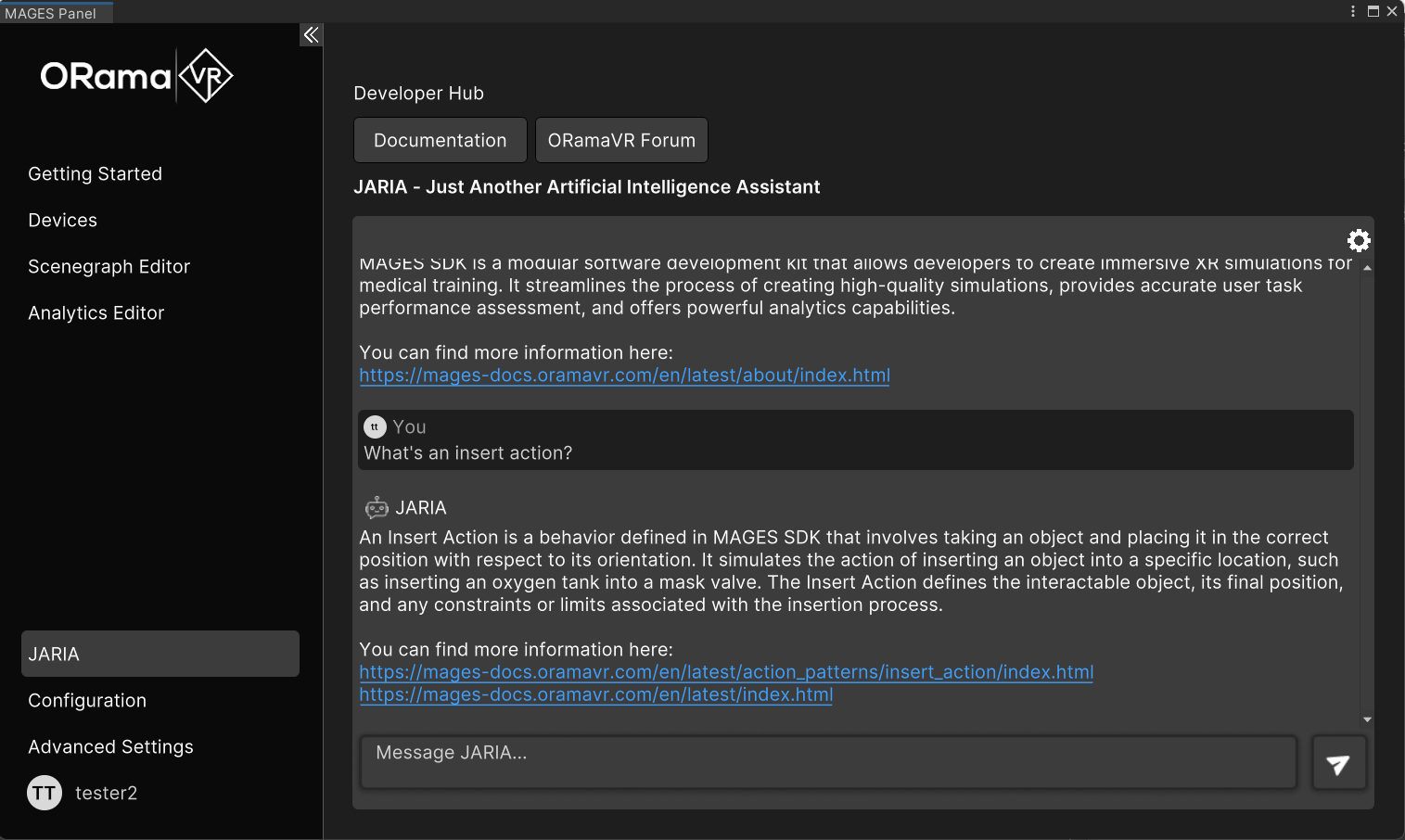
Questions about Creator documentation: Ask questions about Creator, ORamaVR, and actions, e.g., “What’s Creator?” or “What’s an insert action?”
General Code Generation: Ask for a script that performs certain tasks, e.g., “Generate a script that transforms an object every frame in Unity.”
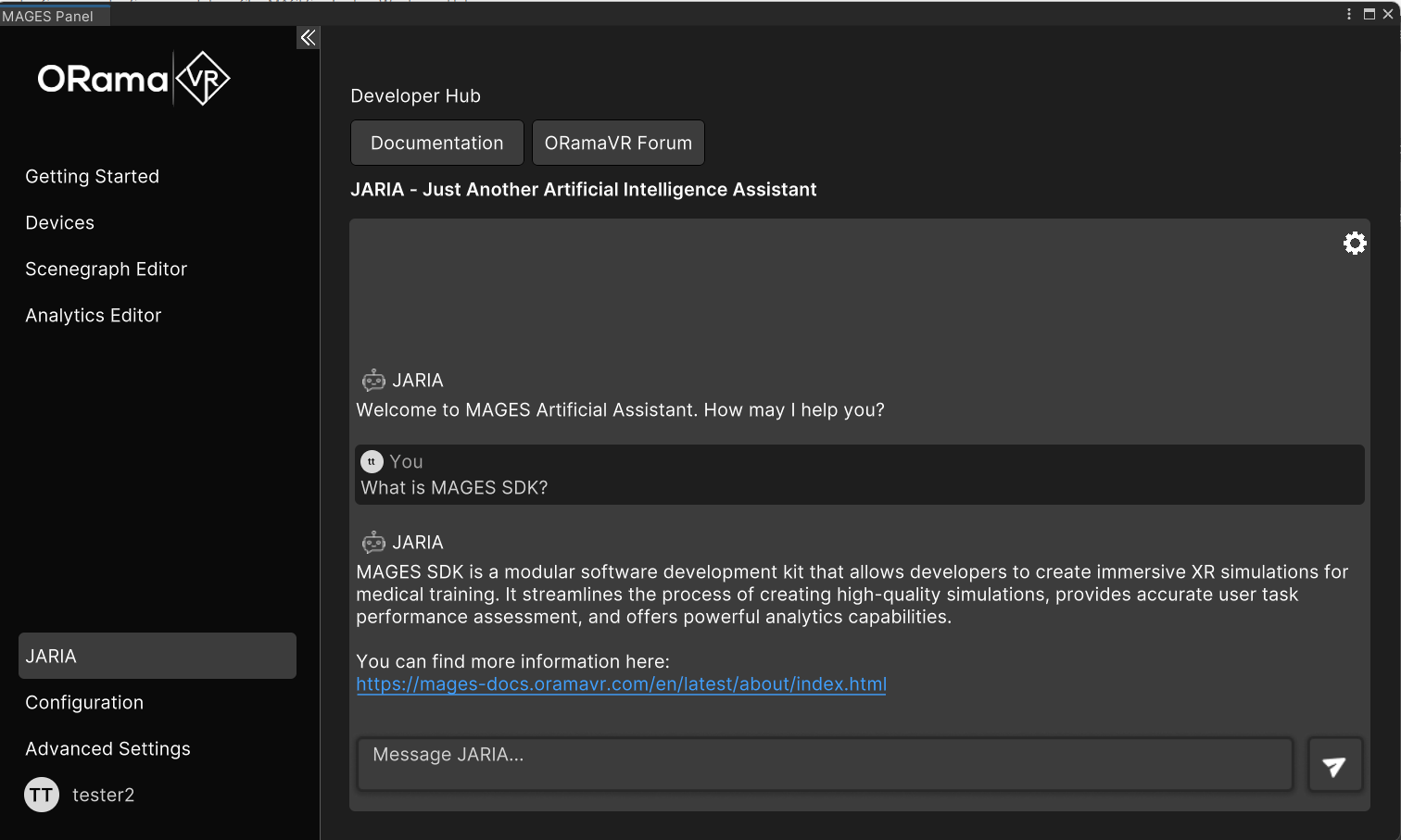
Creator Documentation QA:
Ask any question regarding Creator, e.g., “What’s Creator?”
Code Generation:
Instruct it to provide specific code snippets for certain tasks, e.g., “Give me Unity code that translates an object every frame.”
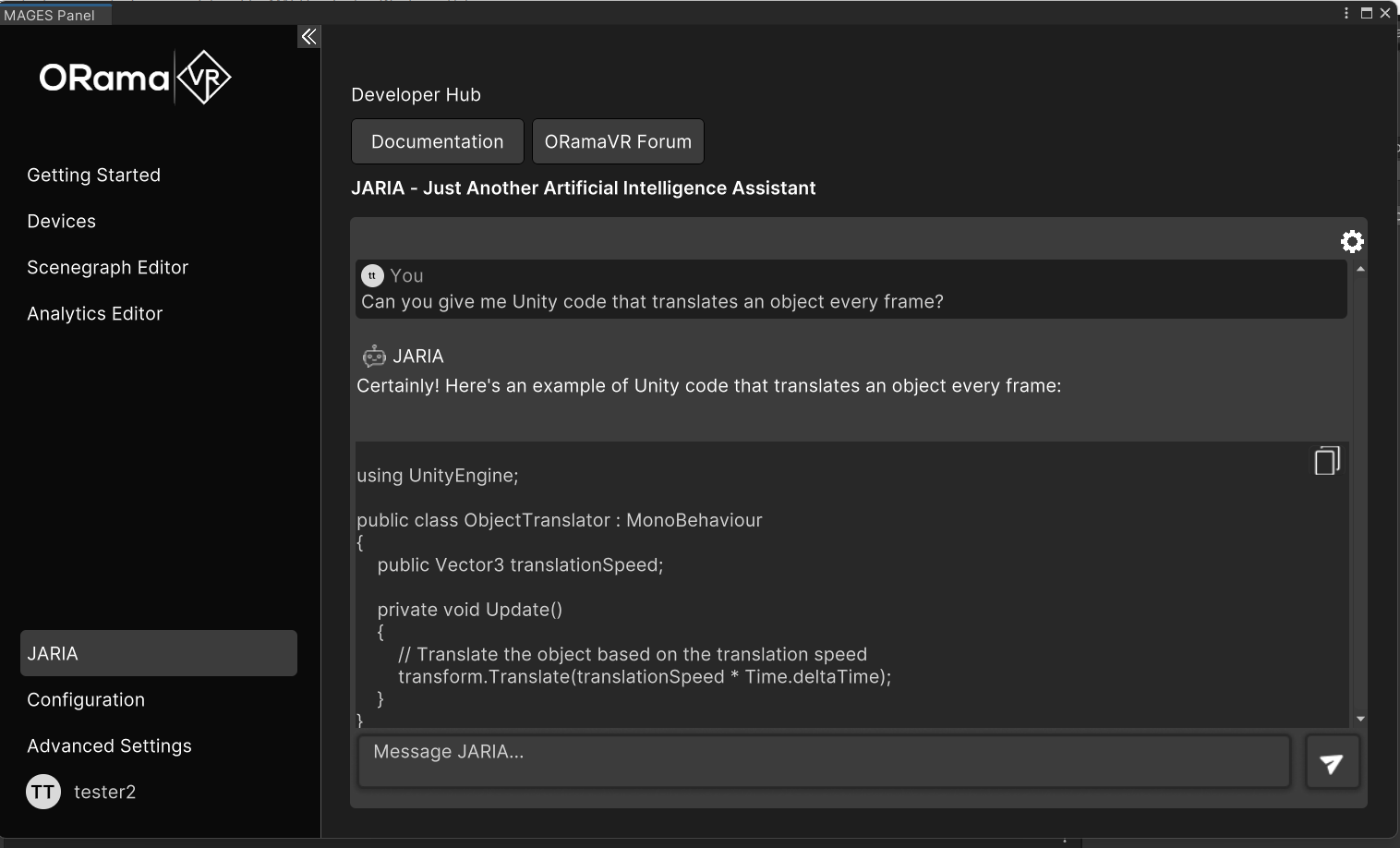
Also, you can copy the code segment with the Copy Button that’s provided.